
Turn Google Sheets into a simple CRM
Most lead lists do not need a CRM subscription. They need a spreadsheet with the right columns, kept up to date without copy-paste. If you are early in building a pipeline, a Google Sheet is free, shareable with anyone, filterable, and exportable to wherever you eventually land. The part that hurts is the data entry. That is the part LeadGen removes.
Start from a template that already has the right columns
When you connect LeadGen to Google Sheets, it adds a lead template to your own Drive. One row per company, with columns for the date captured, company name, industry, employee count, contact name, role, email address and its verification status, street address, city, state, country, website domain, phone number, social links, notes, and the source of the lead. You never have to design the sheet or argue about column order; you just start filling it.
Just want the spreadsheet? The same layout is a free CSV download, with a walkthrough of what every column is for.
Set it up in ten minutes
- Install LeadGen from the Chrome Web Store and open the side panel. Choose Google Sheets on the welcome screen, sign in with Google, and the template lands in your Drive.
- Add an AI key in settings — pick a provider, paste a key. Auto Fill uses it to read pages; you can skip this and enter leads by hand.
- Capture your first lead. On any company website, hit Add, then Auto Fill, check the fields, and save. The row is in your sheet before you have switched tabs.
A dashboard on top of your spreadsheet
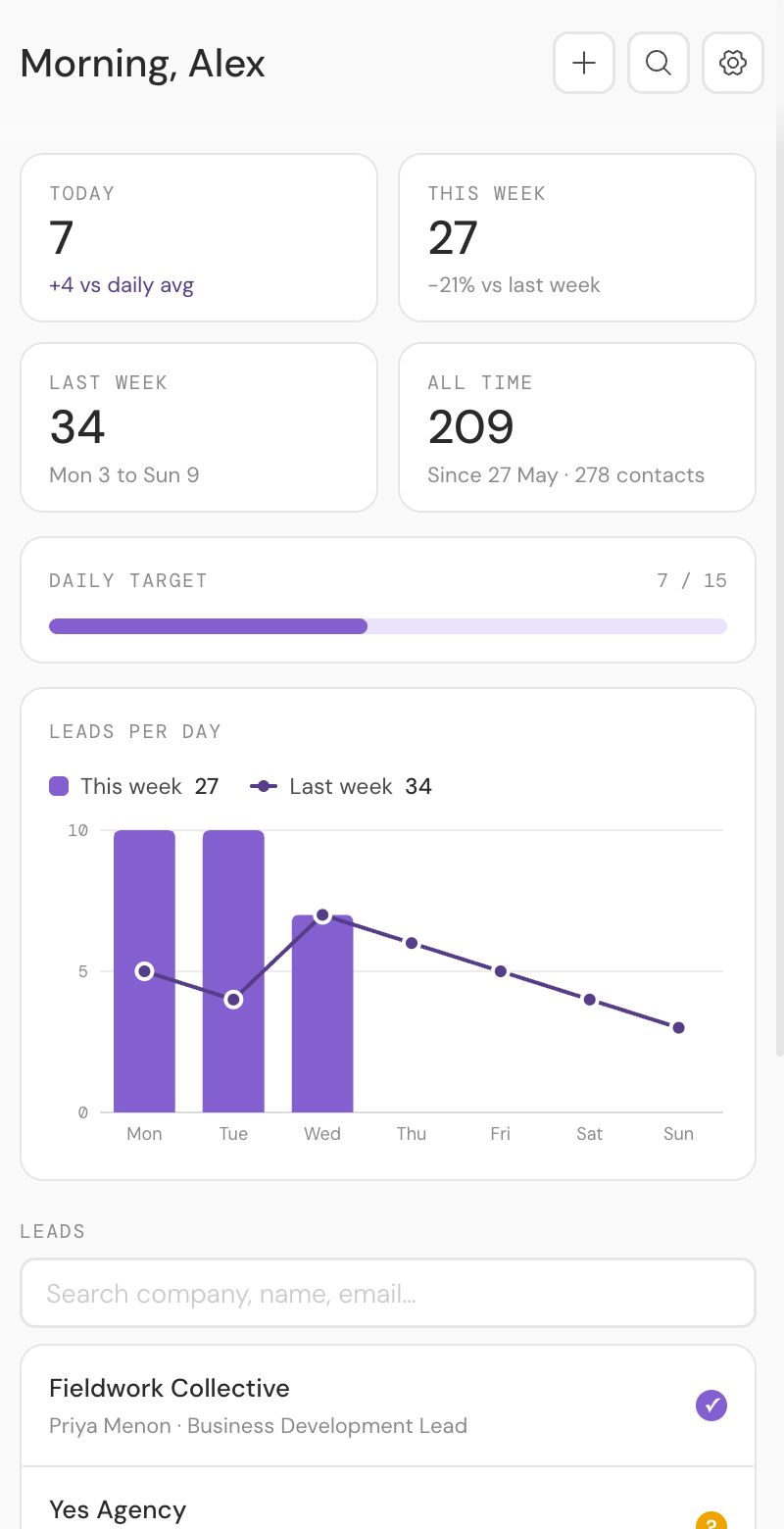
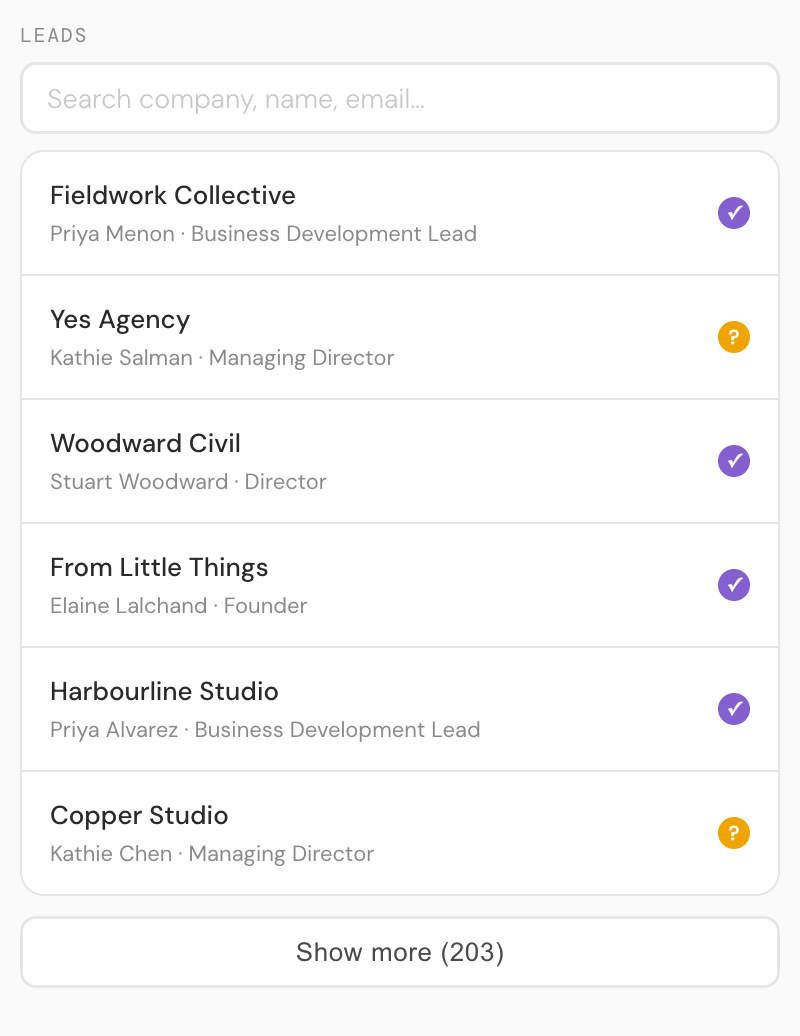
The panel reads the same sheet back and turns it into a working view: leads captured today, this week and all time, a daily target bar, and a searchable history of every company and contact you have saved.
Rows that write themselves
LeadGen is a Chrome extension that sits in a side panel. Open it on a company website, hit Auto Fill, and it reads the page and builds the lead: company details, contact details, location, socials. You review every field before anything is saved, then one click writes the row to your sheet. Add to the same lead from a second page, such as a LinkedIn profile, and the gaps fill in rather than duplicating.
One row per company, enforced
The quiet killer of spreadsheet CRMs is duplicates. LeadGen keys every lead on the company's website domain, so if you come back to a site you have already captured, it recognises the lead and offers to update it or add another contact, instead of writing the same company twice.
When you outgrow the sheet
A spreadsheet tracks leads; it does not manage deals. When you want opportunities, quoting, projects, and time tracking on top of your contacts, LeadGen can point at a Wiplist workspace instead of a sheet, and the same capture flow feeds a full CRM. Until then, the sheet costs nothing.
Common questions
Is Google Sheets really good enough as a CRM?
For capturing and tracking leads, yes — it is free, shareable, filterable and exportable. What a sheet cannot do is manage deals: opportunities, quotes, projects and time tracking. When you need those, point LeadGen at a Wiplist workspace instead and the same capture flow feeds a full CRM.
How many leads can a Google Sheet handle?
Google Sheets allows ten million cells per spreadsheet, which at 21 columns is hundreds of thousands of rows — far beyond any hand-built prospect list. Performance stays comfortable well into the tens of thousands of leads.
Can my team share the sheet?
Yes — it is an ordinary Google Sheet in your Drive, so share it like any other. The template's Agent column records who captured each lead, which keeps a shared sheet accountable.
What does it cost?
The template and the LeadGen extension are free with Google Sheets. Auto Fill uses an AI provider key you bring yourself, which typically costs a fraction of a cent per page read. Wiplist is a separate paid product if you want the full CRM.
More guides: saving LinkedIn profiles to Google Sheets · verifying email addresses before you send · the free lead tracking template